Ready to upgrade to the ultimate Steam Deck gaming experience? Junk Store 2.0 brings Epic Games, GOG, and Amazon games directly to your Steam library without ever leaving Game Mode. This standalone version offers enhanced performance and features beyond the free Decky plugin.
How to download and install Junk Store Pro
Need help after installation?
- Common questions: Frequently Asked Questions
- Technical issues: Troubleshooting Guide
If you prefer a video tutorial you can find one here: How to Install Junk Store 2.0 on Steam Deck (Epic, Gog, Amazon)
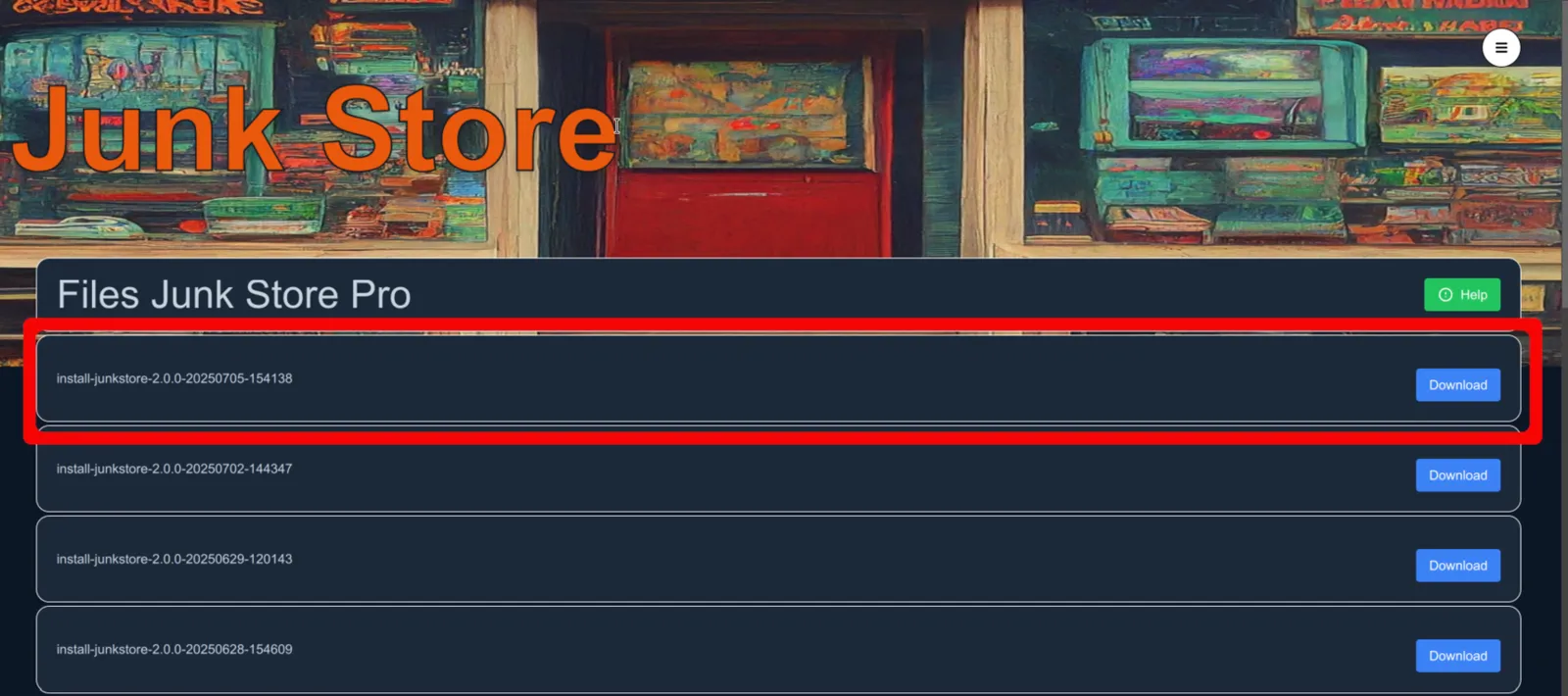
- Download the latest
js_pro
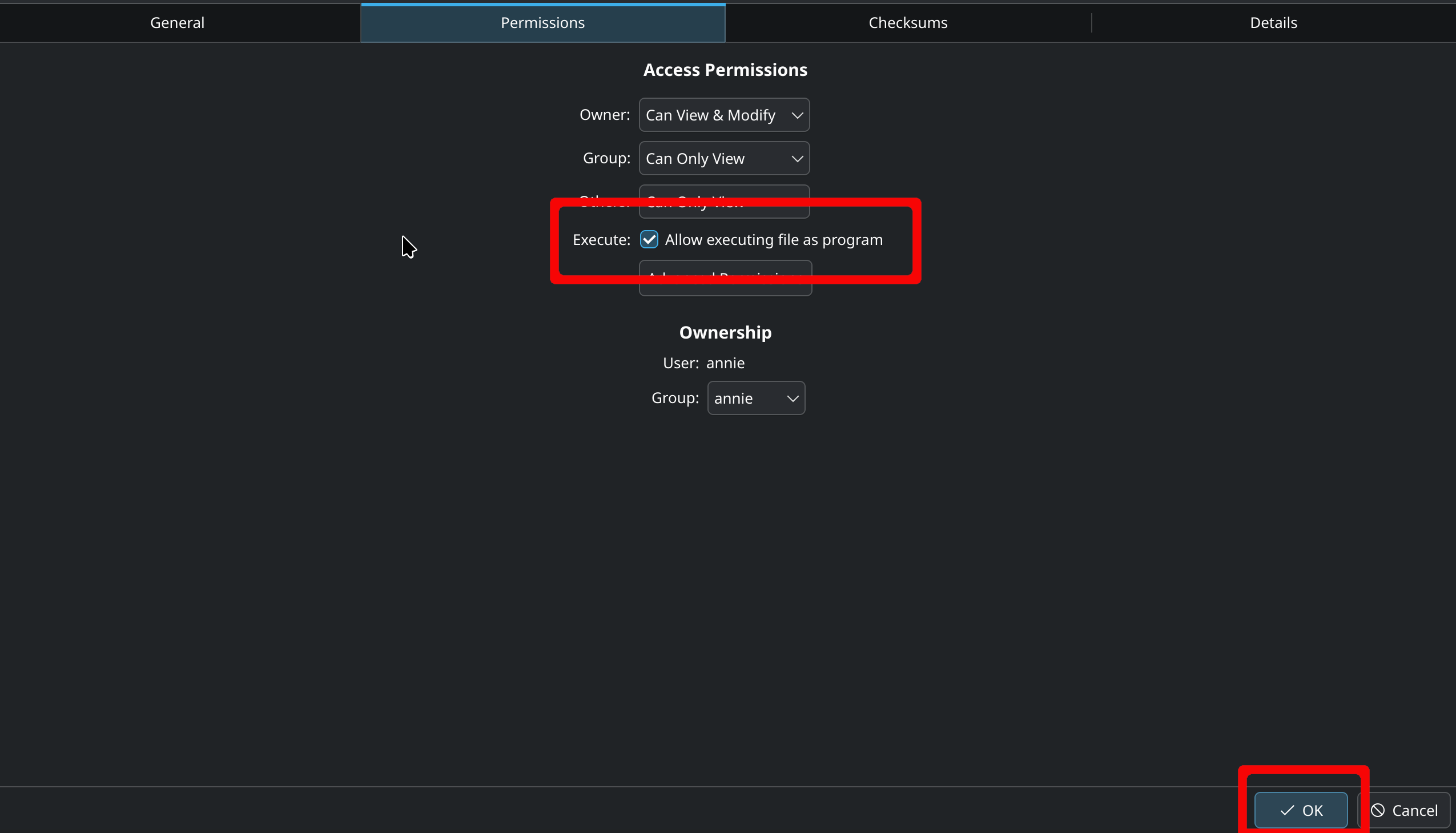
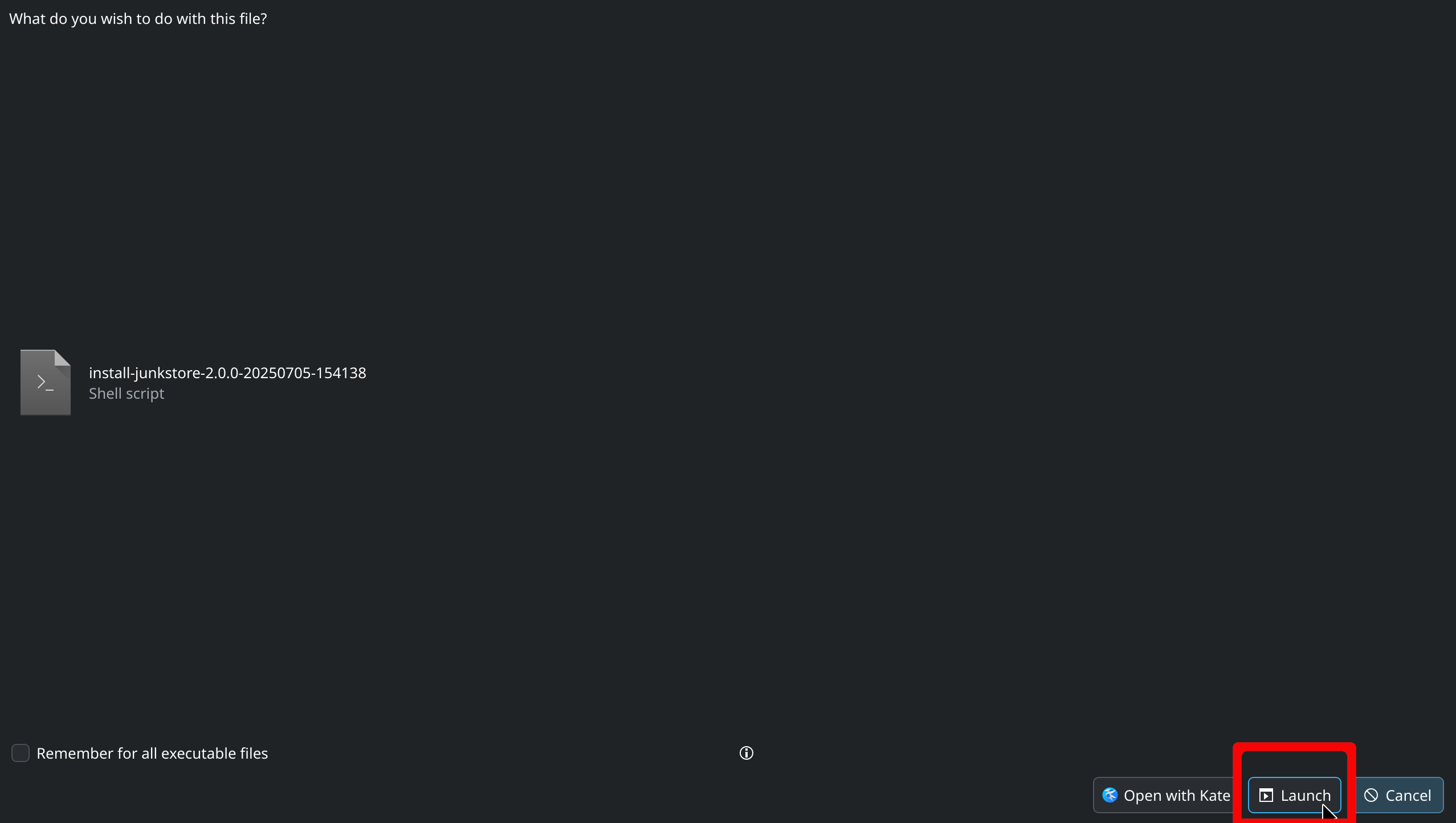
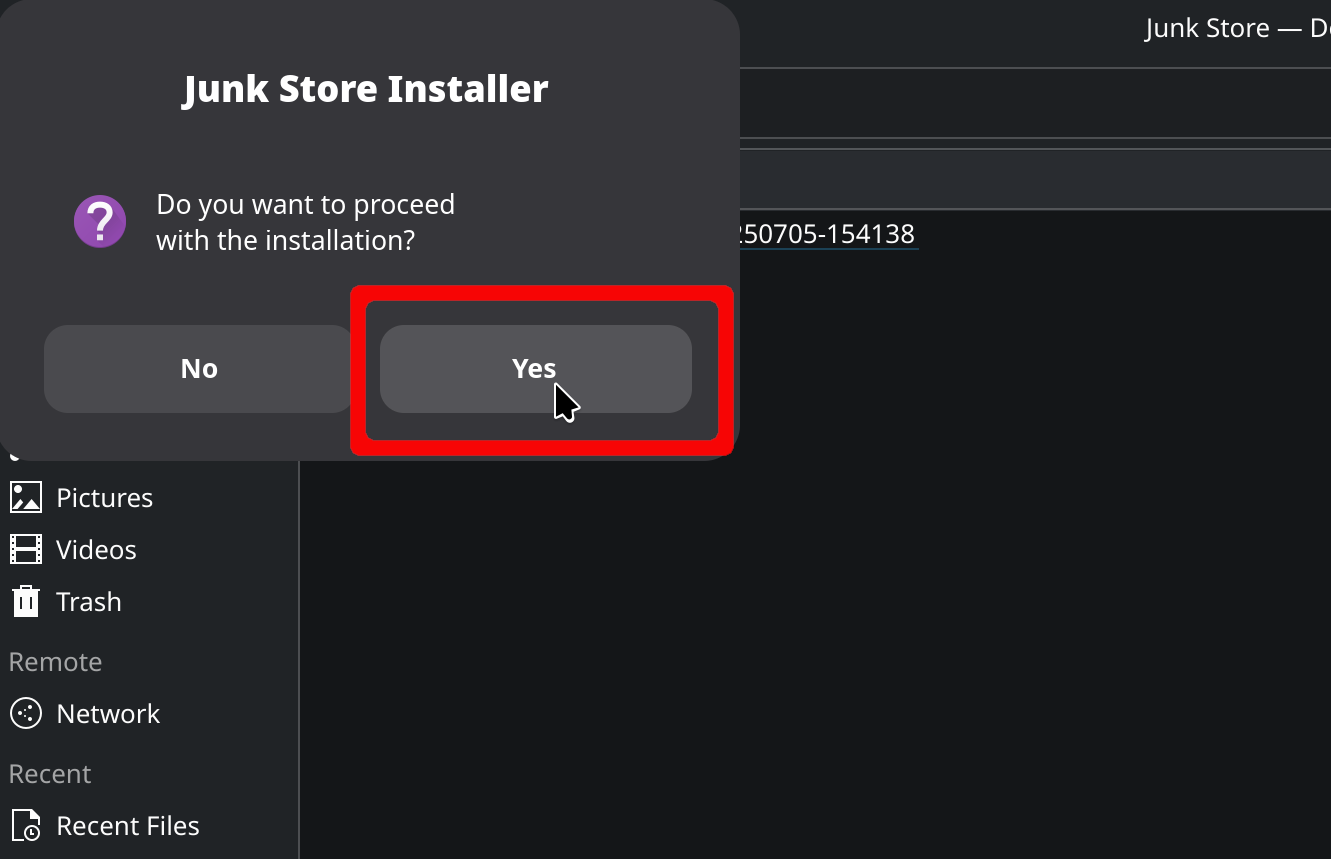
Latest build will be the first file in the list - Open Dolphin → Downloads → Right-click the file → Properties → Permissions Mark it as executable and click OK then double-click on it to install
- Return to Gaming Mode Press 🗗View (button above the D-pad) to open Junk Store
- Generate and migrate your libraries Go to Tools → Generator
Log in using your portal credentials
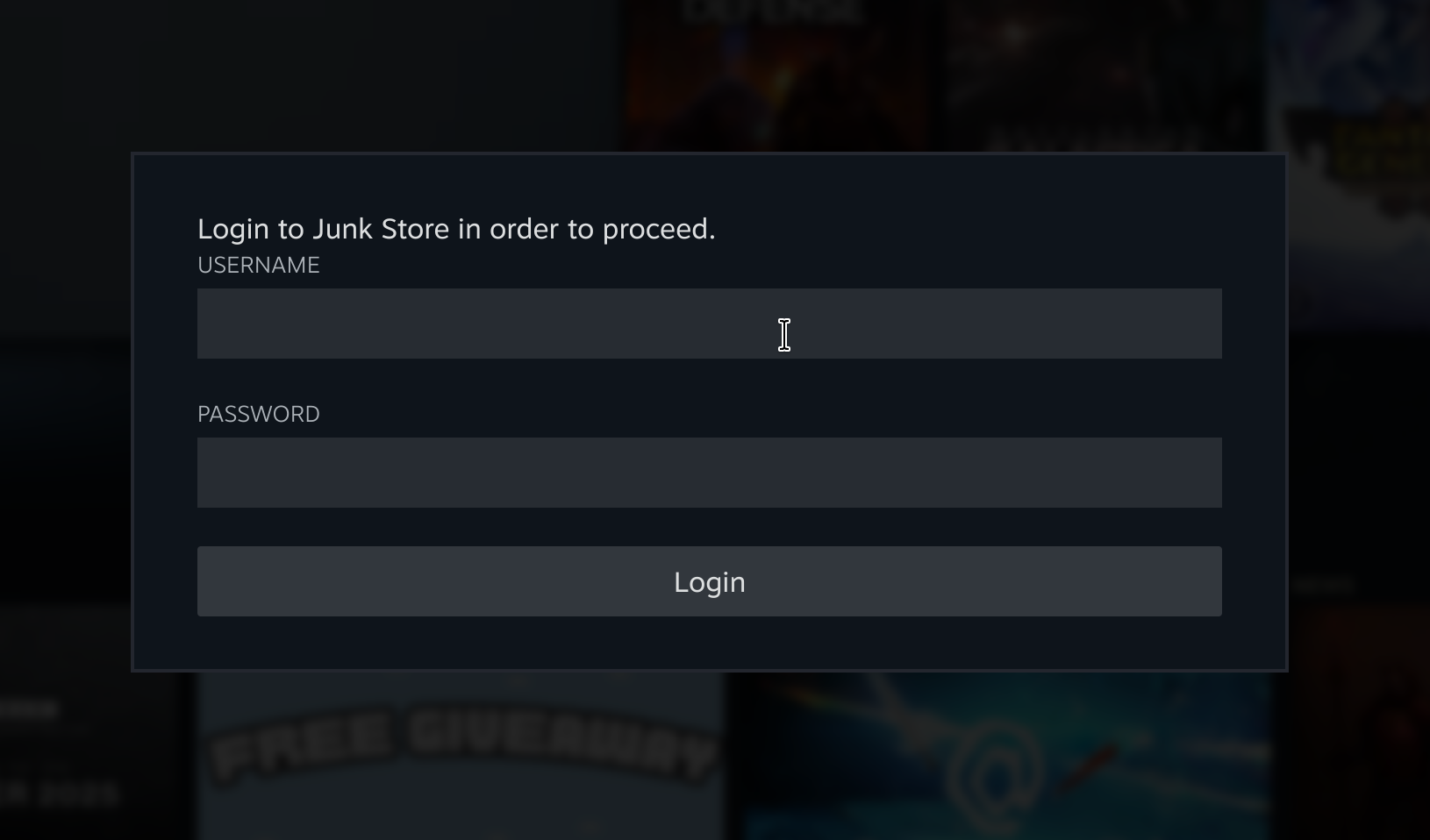
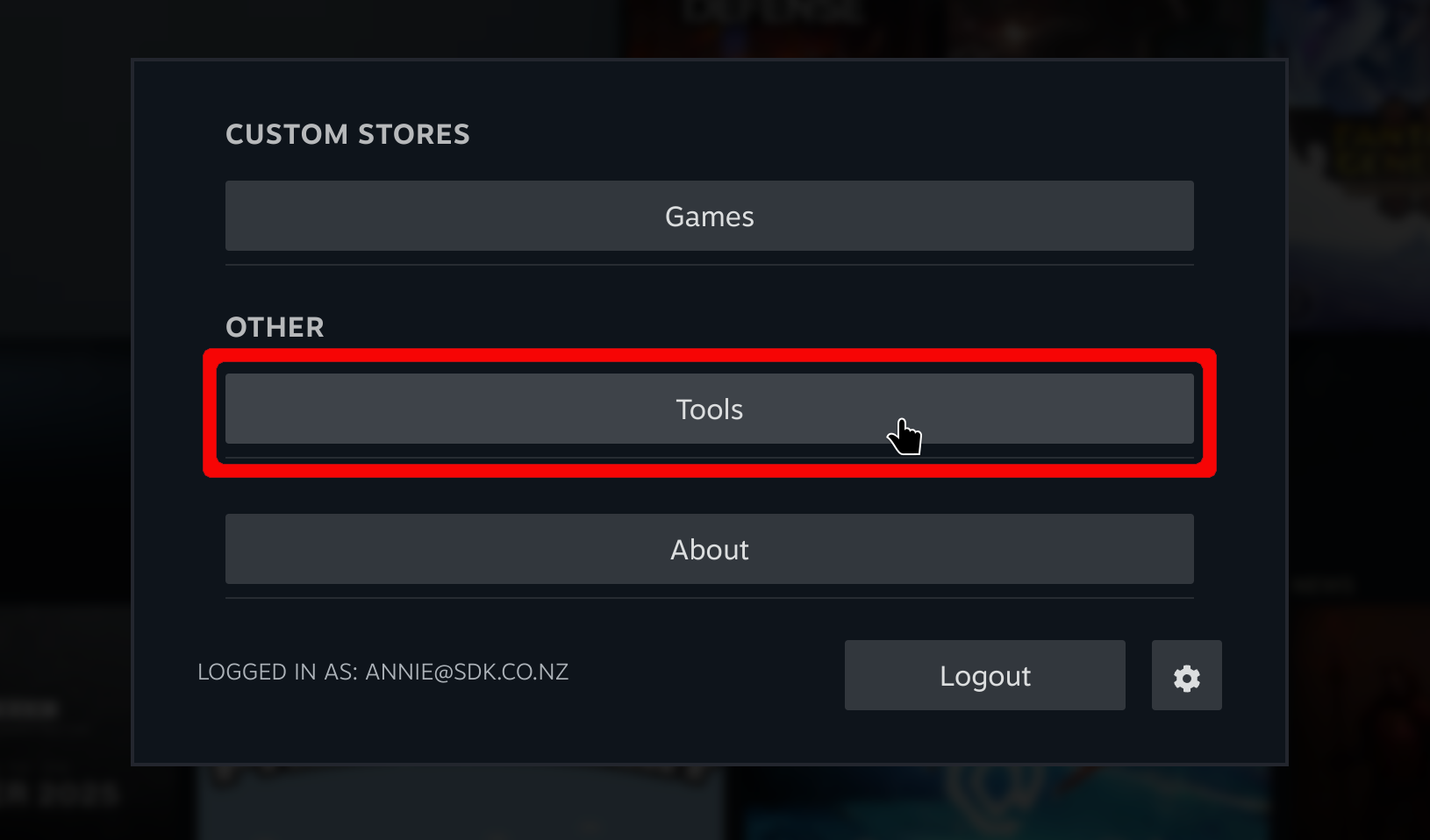
Open the sliders menu and choose Download all presets from server

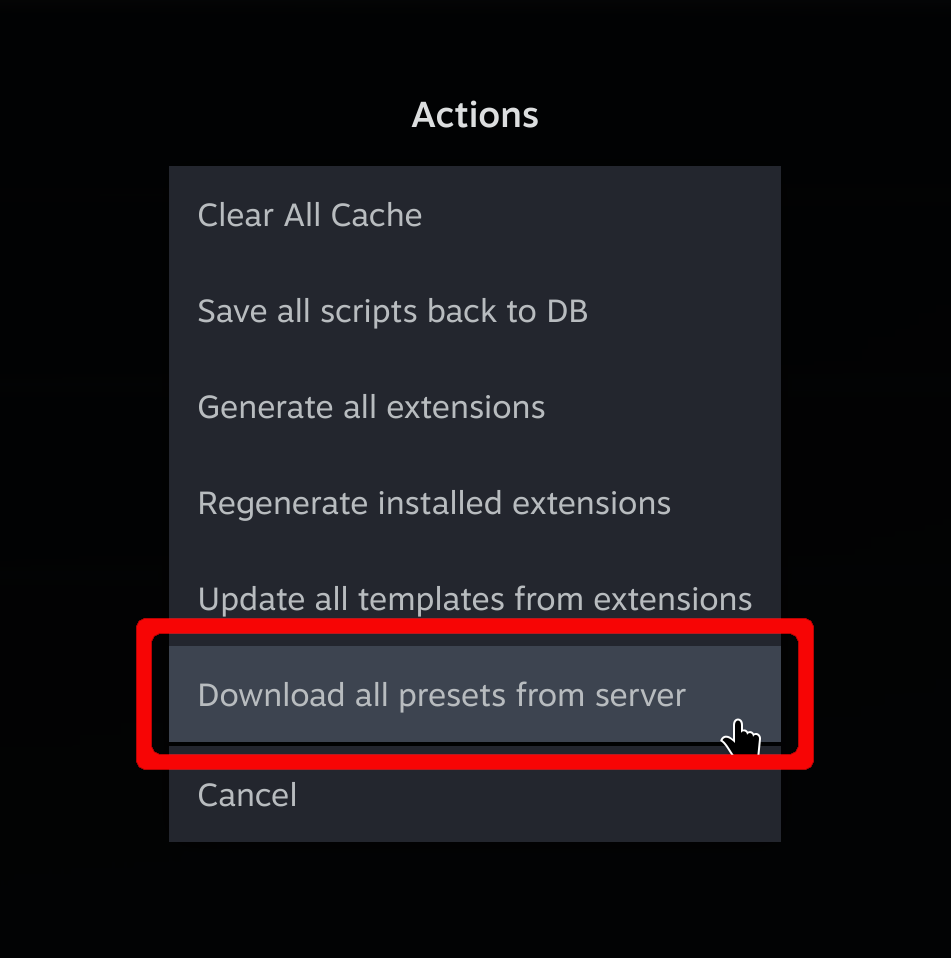
Generate the extensions you want (Epic, GOG, etc.) by select the download (📥) button
You should now see tabs for each of the extensions in Junk Store.

Now all you need to do is log in to each and your libraries will be poplulated.
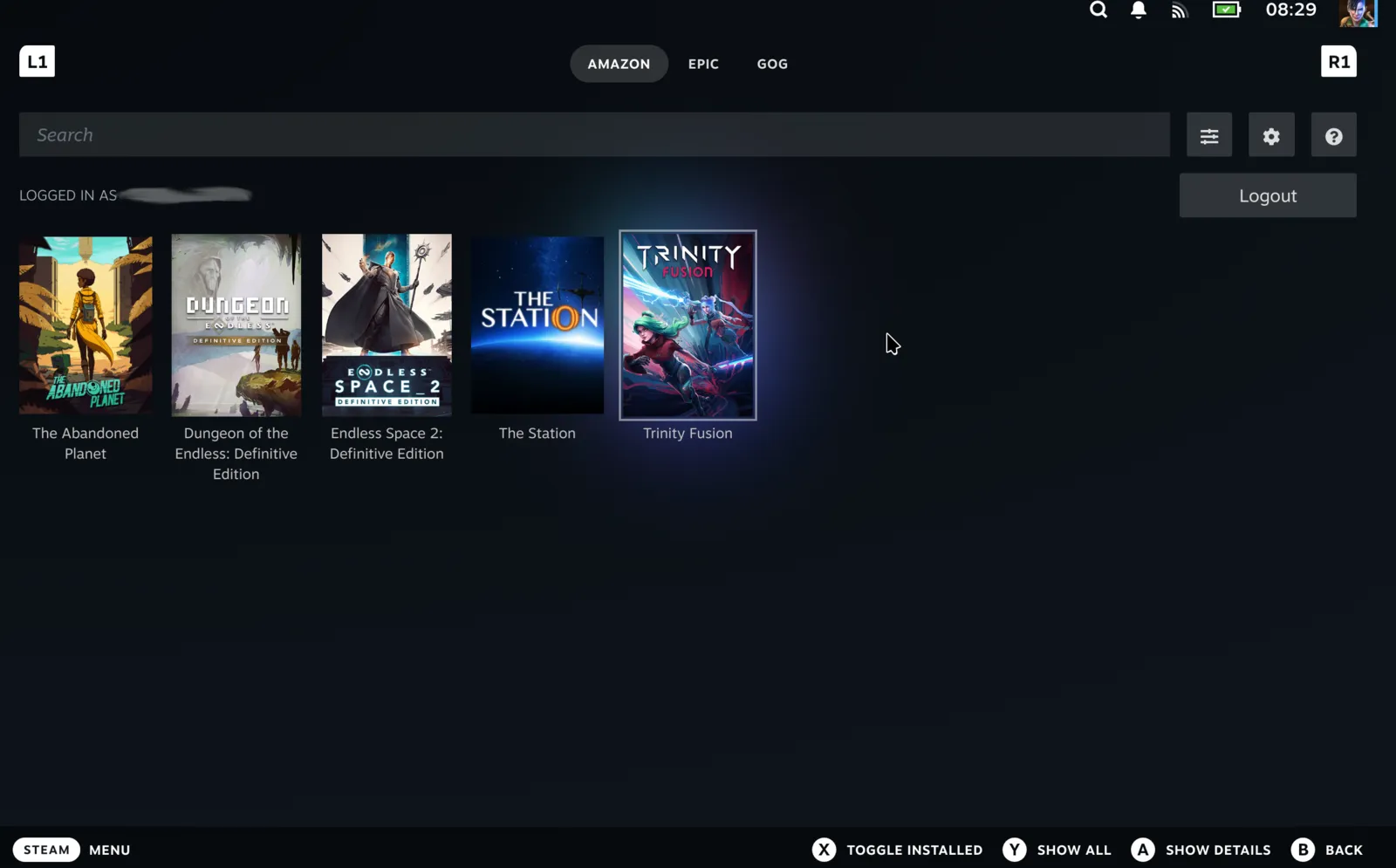
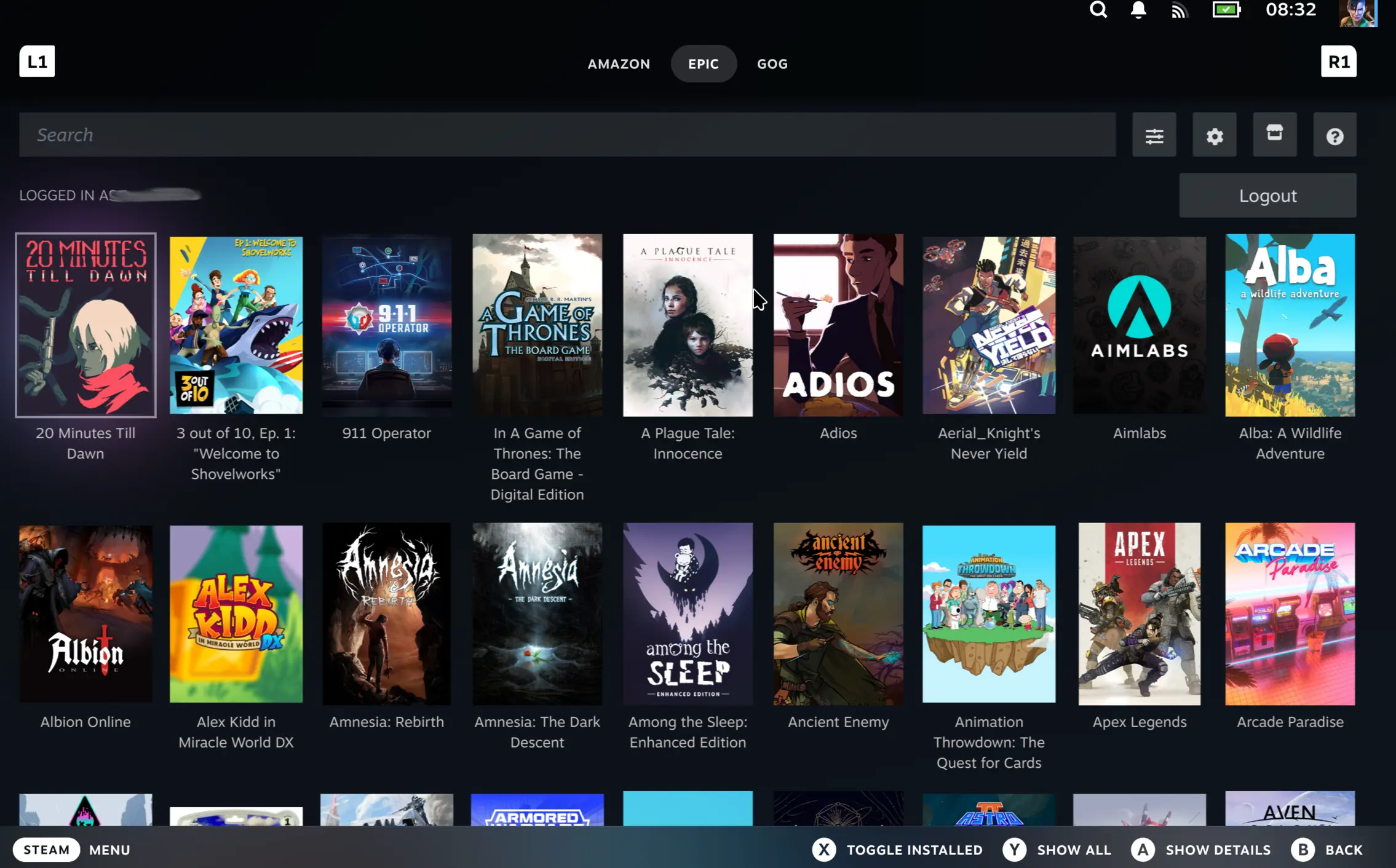
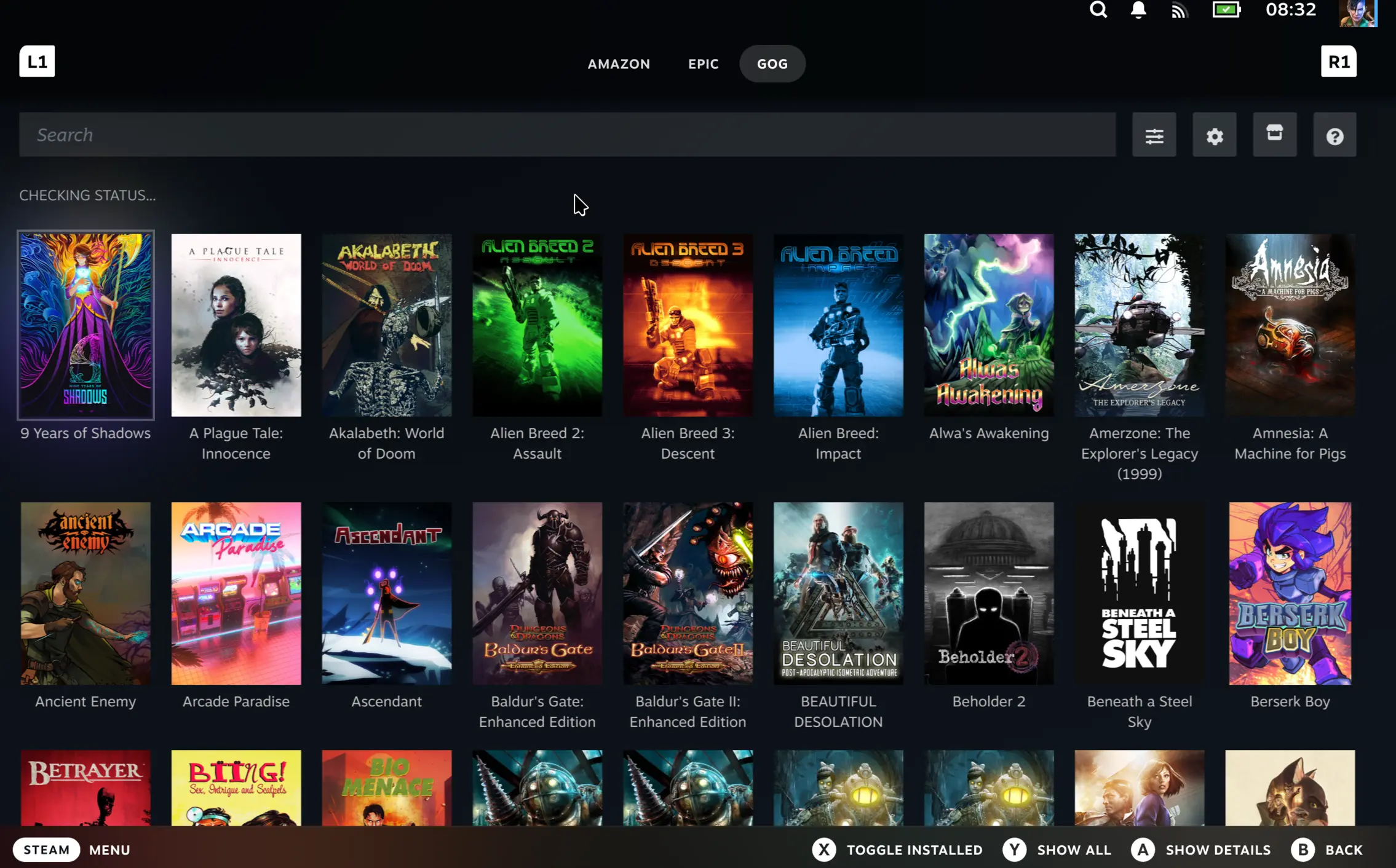
If you are upgrading from the Decky plugin version:
Your library and installed games will be ported across.
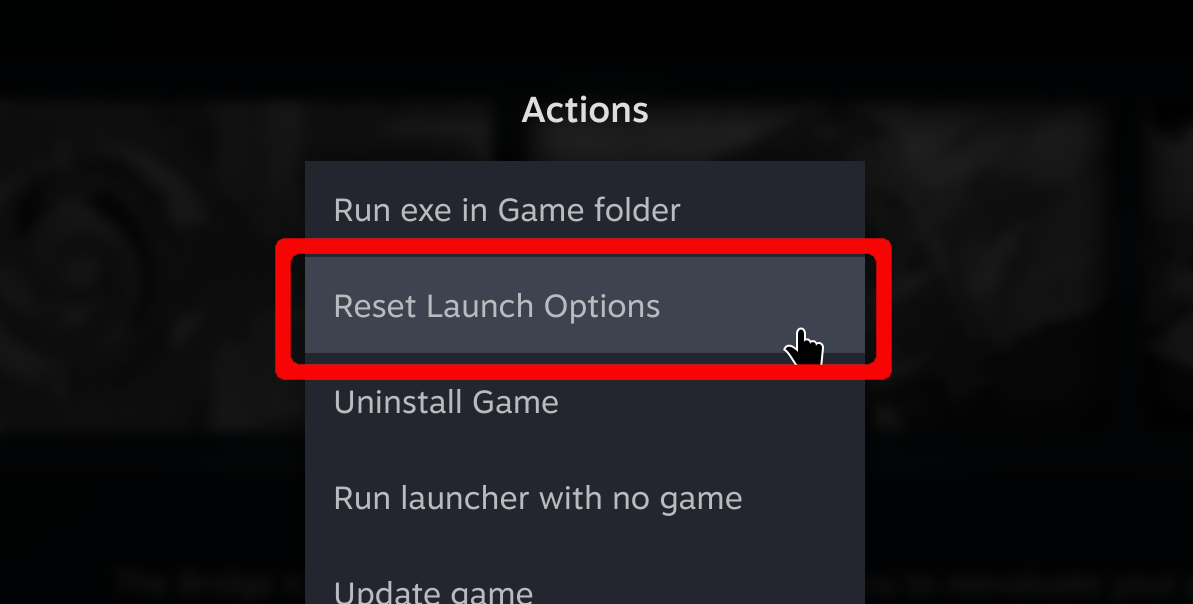
In order to play already installed games Reset launch options for each game once — this completes the migration
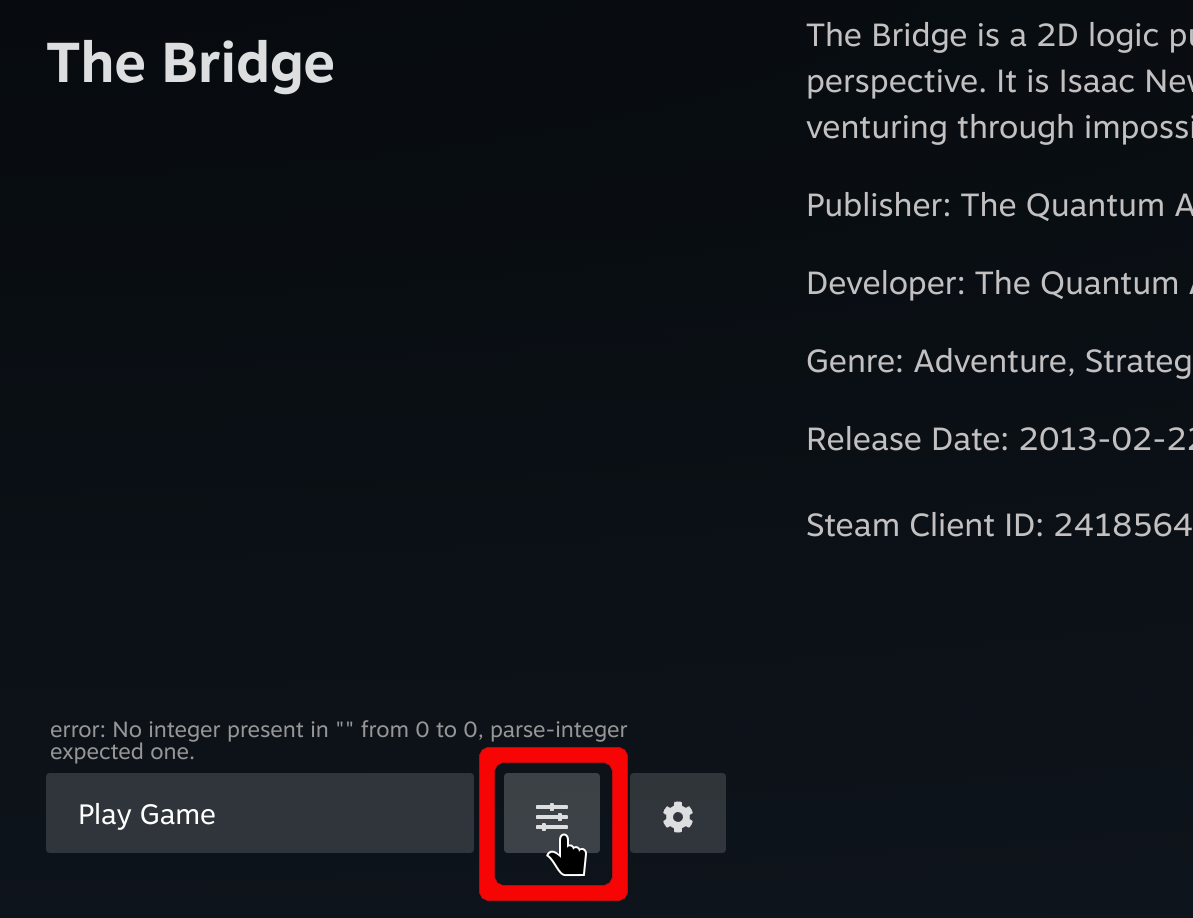
Your saves and settings will carry over automatically
Supported Extensions
Need More Help?
If you run into trouble, check out:
Found a bug? Report issues here: GitHub Issues