Tip of the Week: Filter to Show Only Installed Games
This Week’s Pro Tip: Press X in any Junk Store library to toggle between showing only installed games and showing your complete library - perfect for decluttering large collections!
Note: This feature works identically in both the free Decky plugin and Junk Store 2.0 (Professional version).
The Problem
You’ve got hundreds of Epic, GOG, itch.io or Amazon games in your library, but you only want to see the ones actually installed on your Steam Deck. Scrolling through your entire collection to find what’s ready to play gets tedious fast.
This is especially frustrating when you claim free games regularly but only install the ones you’re actively playing. Your library grows, but finding your installed games becomes harder.
The Simple Solution
Just Press X!
- Open your Epic, GOG, itch.io or Amazon library in Junk Store
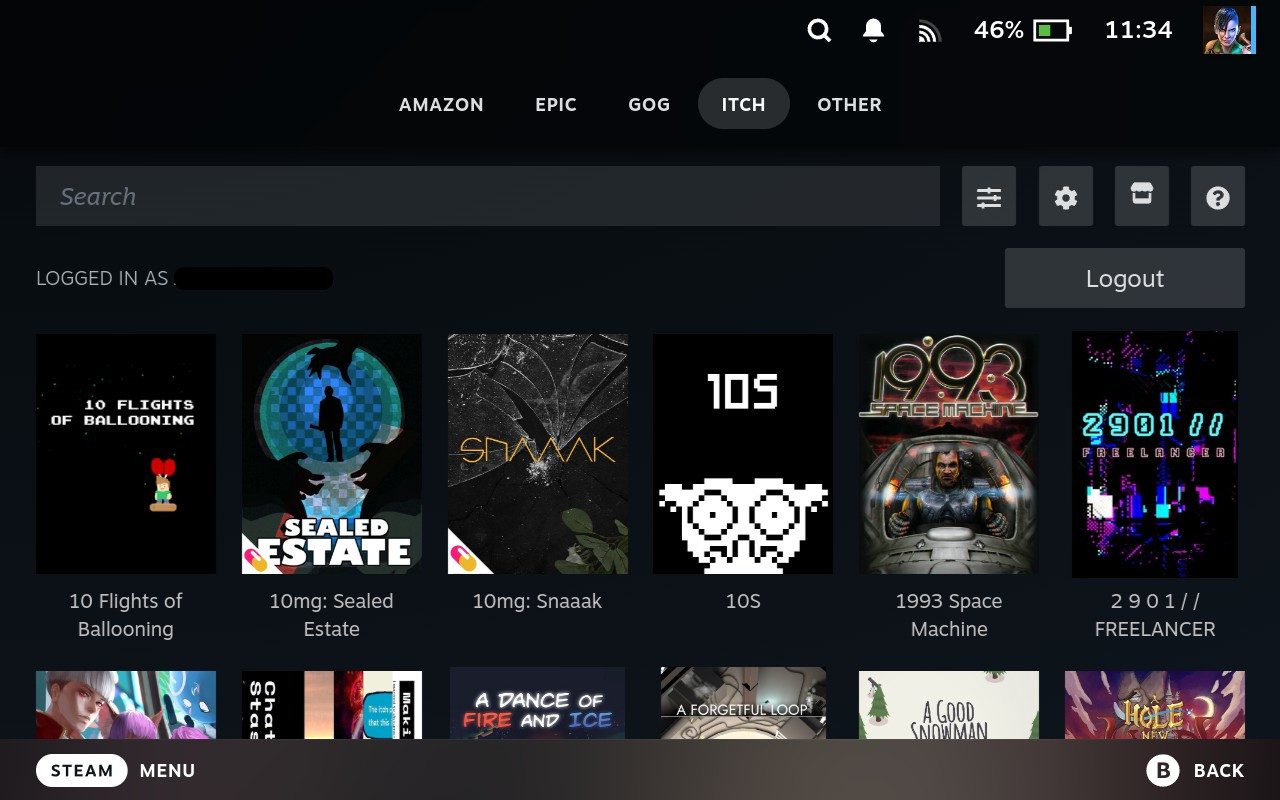
- Press the X button on your Steam Deck
- Your library instantly filters to show only installed games
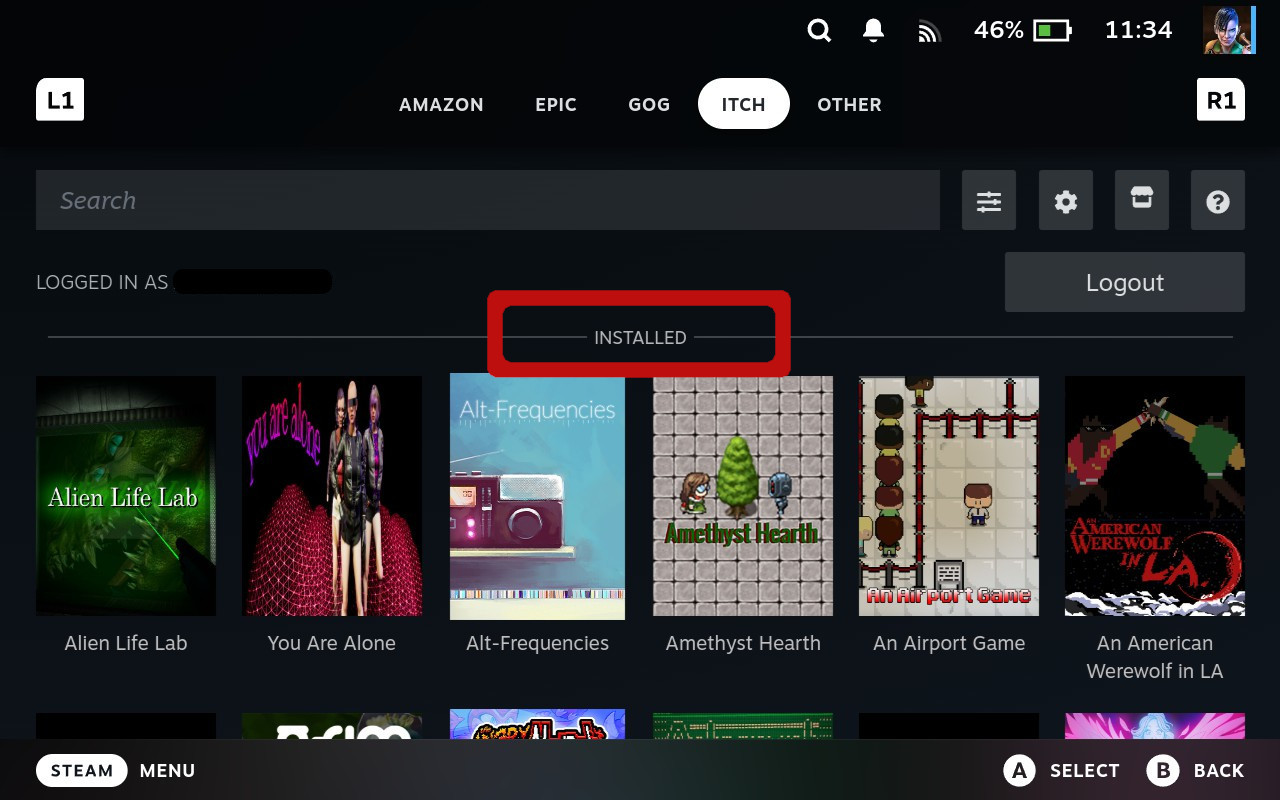
- Press X again to toggle back to showing all games (installed + not installed)
- The filter remembers your preference per store
Pro Tips
Hope this tip helps you manage your game libraries more efficiently! If you have any questions or run into issues, don’t hesitate to reach out through our community channels.
Cheers,
The Junk Store Team
Want seamless library management across all your stores?
🚀 Try Junk Store 2.0 Free for 7 DaysYour Steam Deck, simplified and supercharged
Have questions about this tip? Join our community on Discord or Reddit!